How to Remove Bank/Lender Name from Vehicle RC Online (Hypothecation Removal)
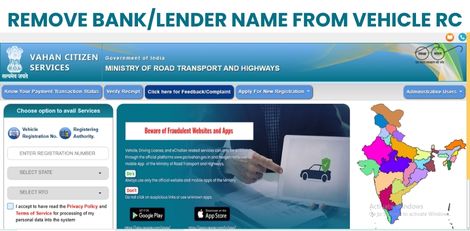

Hypothecation removal is the process of deleting the name of the bank or financial institution from a vehicle’s Registration Certificate (RC) after the loan has been fully repaid. Once completed, the vehicle becomes fully owned by the individual, and a new smart card RC is issued without the “Hypothecated to” remark.
Vehicle owners can now complete this process online through the Parivahan Sewa (VAHAN) website or mobile app by submitting the required documents and completing RTO verification.
Required Documents
-No Objection Certificate (NOC) from the bank/financial institution
- Form 35 (signed by owner and lender)
- Original RC
- Valid Pollution Under Control Certificate (PUCC)
- Identity proof (Aadhaar or similar)
Online Process via Parivahan Sewa
1. Visit: vahan.parivahan.gov.in/vahanservice/vahan/
2. Select Online Services → Vehicle Related Services, then choose your State
3. Click Hypothecation (Addition/Cancellation) or Hypothecation Termination
4. Enter Vehicle Number, last 5 digits of Chassis Number, and verify via OTP
5. Select Termination of Hypothecation and fill in the application
6. Pay the applicable fee (in some cases, the fee may be zero)
7. Upload scanned copies of NOC and Form 35
8. Book an RTO appointment if required and visit with original documents
9. After verification, the new RC without hypothecation will be issued and sent to the owner
Vehicle owners are advised to complete hypothecation removal promptly after loan closure to avoid issues during resale or ownership transfer.