
How to Apply for Retention of an Allopathic Drug Sales Licence Online Easily!!
Service Code: DCA-601 | Department: Drugs Department
Purpose:
The Retention for Allopathic Drugs Licence Sales service allows existing licence holders to apply for the retention of their allopathic drug sales licence through the e-District portal. This service is designed for:
- Current allopathic drug sales licence holders needing to retain their licence
- Businesses with active drug sales licences requiring continuation of authorization
- Authorized representatives managing licence retention for drug businesses
Required Information:
Mandatory Input:
- Existing Licence Number
Special Requirements:
- Active Licence: Must have a current, valid drug sales licence
- Automatic Data Retrieval: System populates all details automatically upon entering licence number
- Simplified Process: Minimal data entry required as most information is pre-filled
- Wallet Payment: Service charges deducted from operator`s wallet
Step-by-Step Retention Process:
1. Access the Portal: Go to Tamil Nadu e-District website
2. Operator Login:
- Enter correct login credentials (username and password)
- Click Login
3. Navigate to Service:
- Click on Services from the menu
- Select Drugs Department
- Click on DCA-601 Retention for Allopathic Drugs Licence Sales
4. Enter Licence Details:
- Enter your existing Licence Number
- Click Get Details
5. Verify Auto-Populated Information: System automatically displays:
- All licence details associated with the entered number
- Business information
- Owner/Applicant details
- Licence validity and specifications
6. Review and Submit:
- Check all fetched details for accuracy
- Click Submit application
7. Make Payment:
- System redirects to payment page
- Service charges will be shown
- Charges are deducted from operator`s wallet
- Confirm payment after checking details
8. Download Acknowledgement:
- Upon successful payment, download Acknowledgement Receipt in PDF format
- Receipt contains application reference details
Document Requirements:
Primary Requirement:
- Valid existing licence number (for system data retrieval)
Note: The process is largely automated with minimal document uploads required at initial submission stage. Additional documentation may be requested during processing if needed.
Payment Details:
- Payment Method: Operator wallet deduction
- Service Charges: Applicable fees as shown on payment page
- Government Fees: As applicable for retention service
After Submission:
- Acknowledgement Receipt: Immediate generation upon successful payment
- Application Tracking: Status can be checked through standard e-District tracking
- Processing: Application reviewed by Drugs Department authorities
- Notification: Updates sent through system notifications
Important Notes:
- Data Automation: All details auto-populate when entering valid licence number
- Pre-requisite: Must have active, valid drug sales licence
- Timely Application: Apply for retention before licence expiry
- Accuracy Check: Verify all auto-populated details before submission
- Wallet Requirement: Ensure sufficient balance in operator wallet for service charges
- Minimal Input: No extensive form filling required due to data automation
- System Integration: Seamless integration with existing licence database
- Retention Purpose: For continuing existing licence authorization
- Validity Extension: Process facilitates continuation of licence validity
Support Information:
- Help Desk Email: [email protected]
- Toll Free Number: 18004251333
- TNeGA Address: No. 59, TNHB Building, Kavigar Bharathidasan Road
Apply Online: https://tnesevai.tn.gov.in
Assistance: Visit your nearest e-Sevai / CSC Centre
This guide is based on the Tamil Nadu e-District User Manual (DCA-601). Government of Tamil Nadu, 2019
Top Stories
-
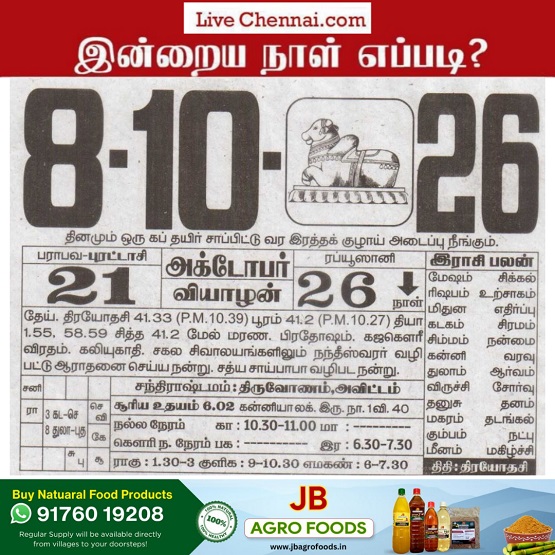 Tomorrow Panchangam October 08, 2026 | Auspicious Timings, Rahu Kalam, Gulikai07/Oct/2026 5:54:08 PM
 -
 University of Colorado Denver to Set Up Campus in Hyderabad07/Oct/2026 5:48:00 PM
 -
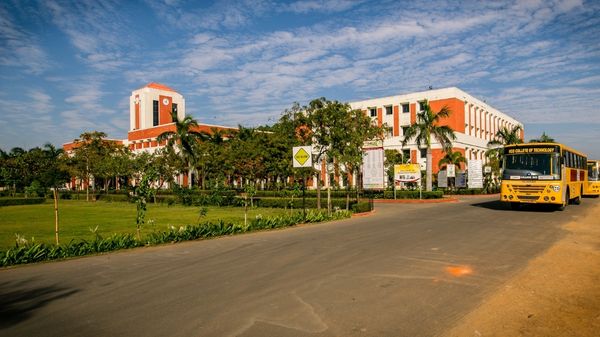 KCG College of Technology: Courses, Fees, Eligibility and Ranking07/Oct/2026 5:40:45 PM
 -
 Smart Home in Chennai: How to Build a Connected Home Without Overspending07/Oct/2026 4:56:14 PM
 -
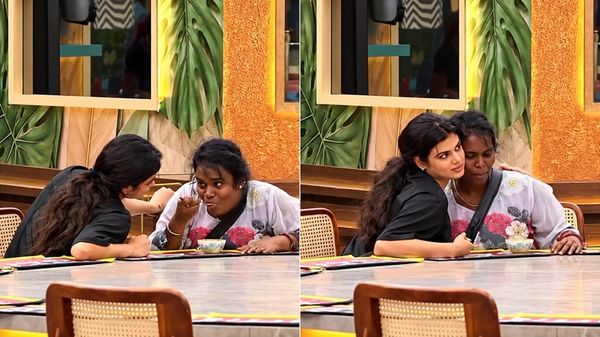 Bigg Boss Tamil 10: Muniyamma Gets Emotional After Receiving Food From Akshitha07/Oct/2026 4:47:43 PM
 -
 Gold Falls While Silver Rises: What Investors Should Know07/Oct/2026 4:29:36 PM

 JB Soft System