How to Apply for Printing of Birth Certificate in Tamil Nadu – Step-by-Step Guide
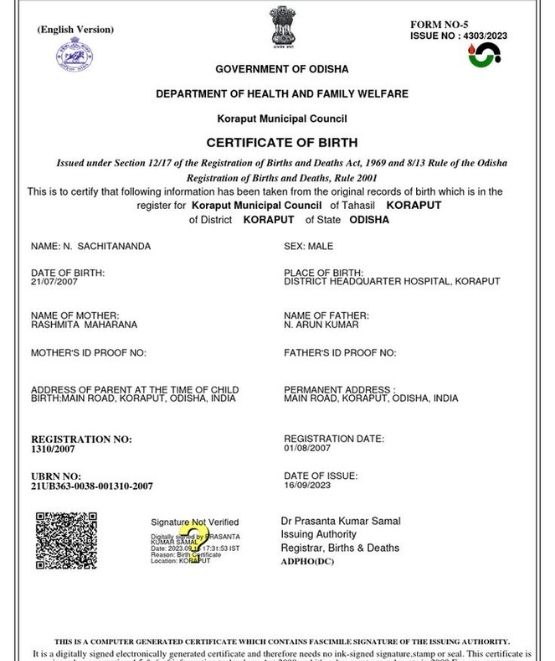
The Printing of Birth Certificate service is available through the Tamil Nadu e-District portal. This service enables authorised operators to search birth registration records, make the required payment, and print the birth certificate online.
Who Can Apply?
According to the user manual, the service is accessed through an authorised operator using valid login credentials on the Tamil Nadu e-District portal.
Documents Required
The uploaded user manual does not specify a list of required supporting documents. It only mentions that mandatory or optional documents should be attached whenever required by the application.
Step 1: Login to the Tamil Nadu e-District Portal
Open the Tamil Nadu e-District portal and log in using your authorised operator username and password.
Step 2: Access the Service
After logging in:
• Click Services.
• Select Directorate of Public Health and Preventive Medicine.
• Click Printing of Birth Certificate.
Step 3: Enter Applicant Details
Fill in the mandatory applicant details:
• Applicant Name
• Mobile Number
Then proceed to the Birth Registration section.
Step 4: Search Birth Registration Details
If you have an RCH ID Number:
• Select Yes.
• Enter the RCH ID Number.
• Click Search.
• Select the required application using the radio button.
If you do not have an RCH ID Number:
• Select No.
• Enter the required details such as Gender, District, Place of Birth, and Date of Birth.
• Click Search.
• Select the appropriate application from the displayed list.
Step 5: Submit the Application
After selecting the required record:
• Click Submit.
• The department fee and service charges will be displayed.
• The amount will be deducted from the operator`s wallet.
• Once the payment is successful, a confirmation message will appear.
Step 6: Print the Certificate
After successful payment:
• Click Print Receipt to download the payment receipt.
• Click Print Birth Certificate to download and print the birth certificate in PDF format.
Disclaimer
This article is based on the Tamil Nadu e-District Printing of Birth Certificate User Manual. The application process, portal interface, and service requirements may change over time. Users are advised to refer to the latest instructions available on the Tamil Nadu e-District portal or contact the concerned department for updated information.
Top Stories
-
 Chennai: Over 2,600 Vinayagar Idols Taken for Immersion; 18,500 Personnel Deployed20/Sep/2026 6:30:58 PM
 -
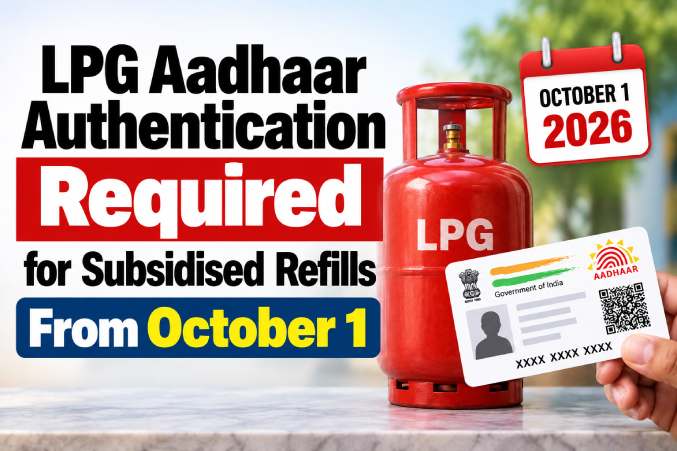 LPG Aadhaar Authentication Required for Subsidised Refills From October 120/Sep/2026 11:35:28 AM
 -
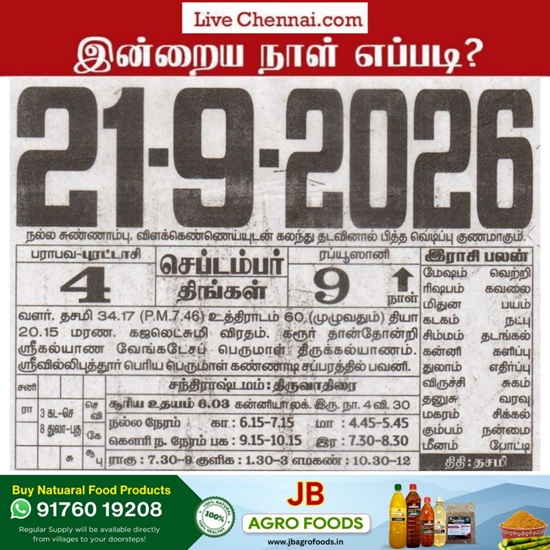 September 21, 2026 Auspicious Timings, Rahu Kalam, Yamagandam & Tamil Panchangam19/Sep/2026 4:52:55 PM
 -
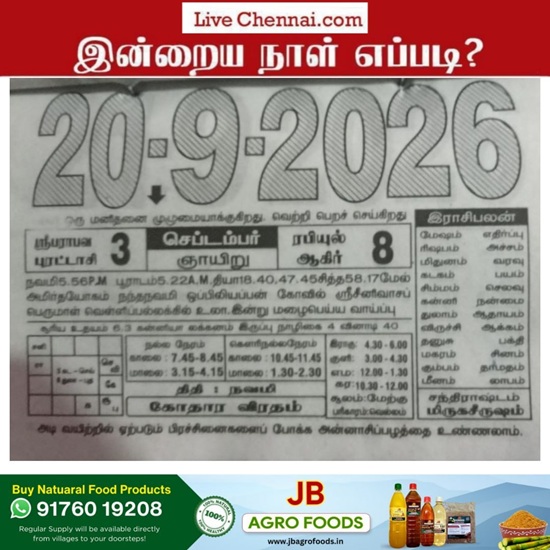 Tomorrow Panchangam September 20, 2026 | Auspicious Timings, Rahu Kalam, Gulikai19/Sep/2026 4:51:53 PM
 -
 Tamil Nadu Breakfast Scheme Expansion: CM Vijay to Launch Programme in Thiruvanmiyur19/Sep/2026 4:07:10 PM
 -