
How Do I Restore My WhatsApp Chat History?
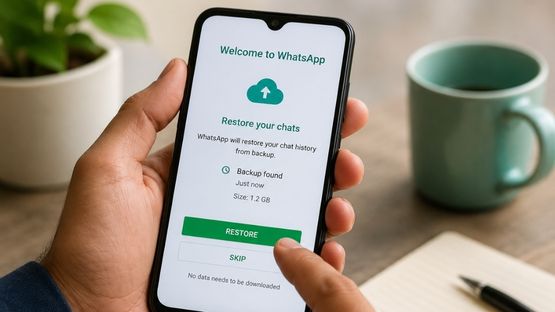
You can restore your WhatsApp chats if you have a Google Drive backup (Android) or an iCloud backup (iPhone) created with the same phone number.
How to Restore Your Chats
1. Uninstall and reinstall WhatsApp.
2. Verify your phone number.
3. When prompted, tap Restore.
4. Wait for the restore process to finish, then tap Next.
If you don`t have a cloud backup, you can still restore your chats by transferring them directly from your old phone.
Important Things to Know
- You must use the same phone number that was used to create the backup.
- Messages received after your last backup can`t be restored.
- Your device must have enough storage space to restore the backup.
- Videos are restored only if Include Videos was enabled during the last backup.
- WhatsApp can`t restore chats manually because your chat history is not stored on WhatsApp`s servers.
Note: Chat backups and restores are available only on your phone. They are not supported on WhatsApp Web, Windows, or Mac.
Top Stories
-
 Lace Up, Chennai! Sneaker Fest has landed at Phoenix Marketcity30/Jul/2026 4:26:32 PM
 -
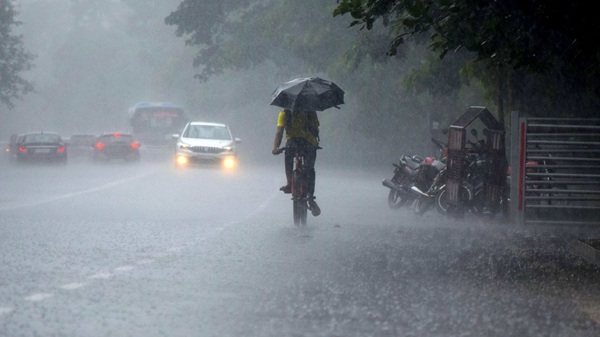 Heavy Rain Alert for Coimbatore and Nilgiris; More Districts to Receive Rain30/Jul/2026 4:23:19 PM
 -
 Clay Home Décor Workshop in Chennai on July 31, 202630/Jul/2026 4:16:23 PM
 -
 IHCL Signs a Gateway in Tiruchirappalli, Tamil Nadu30/Jul/2026 4:13:13 PM
 -
 Want to Join a Lions Club in Chennai? Here's Everything You Need to Know30/Jul/2026 3:40:35 PM
 -
 27 Chennai Corporation School Students Qualify for NEET After Free Coaching Initiative30/Jul/2026 2:56:19 PM