
How to Correct Your Name on Voter ID Card Online
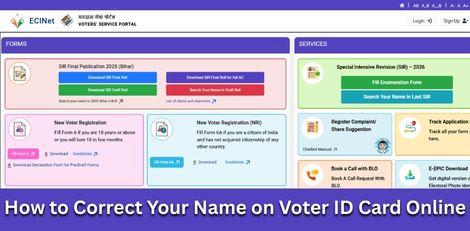
The Election Commission of India has made it easy for voters to correct errors in their Voter ID details through an online process. If your name is incorrect in the electoral roll, you can update it by following the steps below.
Official Website
Visit any one of the following official portals:
- Voters’ Service Portal: http://voters.eci.gov.in
- National Voter Service Portal (NVSP): http://nvsp.in
Login / Registration
- Log in using your registered mobile number and password.
- New users must click on Sign Up to create an account.
Select Form 8
- Choose Correction of entries in existing electoral roll.
- Click on Form 8, which is meant for updating or correcting voter details.
Fill in Correction Details
- Select your State, District, and Assembly Constituency.
- Tick the Name option for correction.
- Enter the correct name in both English and Tamil carefully.
Upload Supporting Documents
Upload any one of the following documents as proof:
- Aadhaar Card
- PAN Card
- Passport
- 10th Standard Mark Sheet or Birth Certificate
Submit Application
- Verify all entered details carefully.
- Click Submit to complete the process.
- A Reference Number will be generated for future tracking.
Track Application Status
- Visit the same portal and click on Track Application Status.
- Enter your reference number to check updates on your request.
Download Updated Voter ID
Once the name correction is approved, you can download the updated e-EPIC (digital Voter ID) from the portal.
Helpline Support
For further assistance, voters can contact the Election Commission helpline at 1950.
Top Stories
-
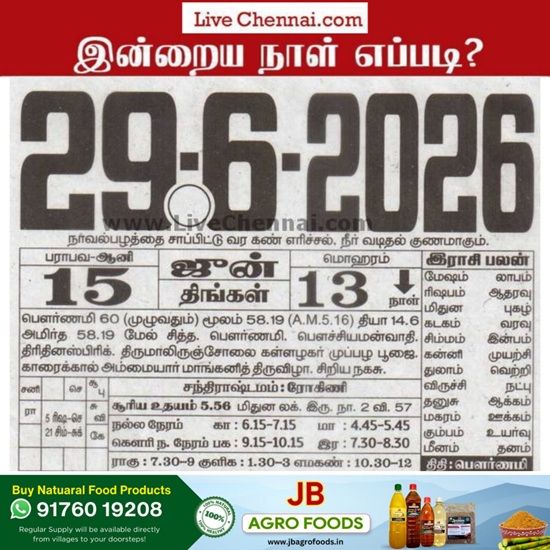 June 29, 2026 Panchangam: Today's Good Time, Rahu Kalam and Horoscope Details27/Jun/2026 6:14:28 PM
 -
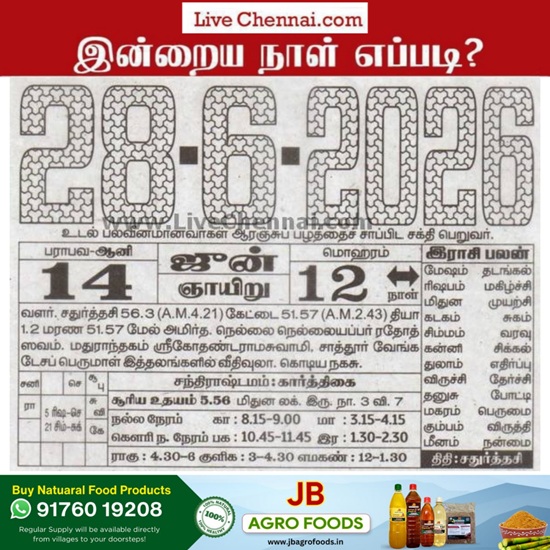 Tomorrow Panchangam June 28 2026 | Auspicious Timings, Rahu Kalam, Gulikai27/Jun/2026 6:12:17 PM
 -
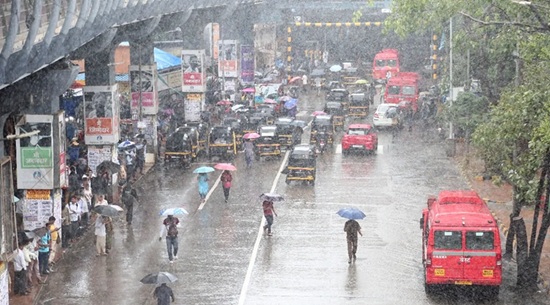 Tamil Nadu Weather Update: Heavy Rain Forecast for 7 Districts27/Jun/2026 3:35:40 PM
 -
 Sell Gold Safely in Chennai: What Every Seller Should Know27/Jun/2026 2:51:21 PM
 -
 KADHAIPOMA Lite Edition to Bring People Together in Chennai on June 2827/Jun/2026 2:15:46 PM
 -
 Southern Railway Achieves Highest Passenger Occupancy on Special Trains in FY 2025-2627/Jun/2026 2:11:53 PM