
How to Renew Manufacturer/Erector Approval for Boilers Online Easily!!
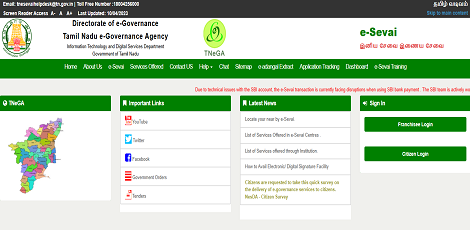
Service Code: DBL-404 | Department: Directorate of Boilers
Purpose:
The Application for Renewal of Manufacturer/Erector of Boilers service enables approved boiler manufacturers and erectors to renew their annual approval through the e-District portal. This service is designed for:
- Approved boiler manufacturing companies requiring annual renewal - Registered boiler erection firms with expiring approvals - Industrial equipment manufacturers under boiler regulations - Authorized representatives handling renewal compliance
Required Information:
Mandatory Search Criteria:
- Registration No. of the firm (existing approval number)
Special Requirements:
- Existing Approval: Must have previously approved manufacturer/erector license - Automatic Data Retrieval: System populates most details automatically - Annual Performance: Must report manufacturing/erection activities for past year - Welder Certification: Requires current IBR-approved welder details - Payment Method: Bank challan payment for government fees
Step-by-Step Renewal Process:
1. Visit the Portal: Login to e-Sevai Tamil Nadu portal as Operator
2. Navigate to Service: Click on Services → Directorate of Boilers → DBL-404 Application for Renewal of Manufacturer/Erector of Boilers
3. Enter Registration Details:
- Enter Registration No. of the firm (Mandatory) - Click Get Details
4. Verify Pre-filled Information: System automatically displays:
- Approval Details: License number, approval date, validity period - Company Details: Name, ownership, address - Boiler Specifications: Type and capacity limits - Registration Information: Company registration details - Manpower Details: Equipment and workforce information
5. Update Required Information:
- Manufacturing/Erection Details: Enter No. of Components Manufactured/Erected during approved year - IBR Approved Welder Details: Add/verify welder certificates (name, certificate number, expiry date) - Contact Details: Update phone, email, mobile number if changed
6. Submit Application: Click Submit to generate renewal application number
7. Upload Required Documents:
- Firm Registration Details - Approval Letter for manufacture/erector or lastst renewal letter - Manpower(Welder) Lists - Welder Certificate copies - Manufactured component list (if renewal for Manufacturer) - Supported formats: PDF, JPEG, JPG, PNG - File size limits: Documents 500KB, Photos 50KB
8. Make Payment:
- Payment Type: Challan - Enter Challan No. and Challan Date - Government Fees: ₹6000 (renewal fee) - Service Charge: ₹120 processing fee - Upload Challan Copy - Click Make Payment and Confirm Payment
9. Download Acknowledgement: Click Print Receipt for acknowledgement
Document Requirements:
- Firm Registration Details - Approval Letter for manufacture/erector or last renewal letter - Manpower(Welder) Lists - Welder Certificate copies - Manufactured component list (for manufacturers only)
Payment Details:
- Government Fees: ₹6000 annual renewal fee - Service Charge: ₹120 processing fee - Payment Method: Bank challan payment required
After Submission:
- Application Tracking: Check status under Submitted Applications - Approval Process: Application reviewed by director - Certificate Generation: Renewal certificate issued upon approval - Digital Certificate: Downloadable from operator desk - Email Notification: Receipt sent to applicant`s email ID
Downloading Renewal Certificate:
1. Check Status: Go to Check Status section 2. Enter Application Number: TN-XXXXXXXXXXXX 3. Click Search: View application details 4. Download Certificate: Click Download certificate link when status shows "Application Approved"
Important Notes:
- Timely Renewal: Apply before approval expiry (example: before 29/01/2019) - Automatic Data: Most details auto-populated from existing registration - Annual Reporting: Must report manufacturing/erection activities for past year - Welder Compliance: Current IBR-approved welder certificates required - Payment: ₹6000 government fee + ₹120 service charge - Validity Period: Renewal valid for 1 year from previous expiry - Performance Tracking: System tracks annual manufacturing activities - Documentation: Complete renewal documents required - Email Updates: Receipts and notifications sent to registered email - Annual Requirement: Yearly renewal mandatory for continued operations
Apply Online:
Assistance: Visit your nearest e-Sevai / CSC Centre
This guide is based on the Tamil Nadu e-District User Manual (DBL-404). Government of Tamil Nadu, 2018.
Top Stories
-
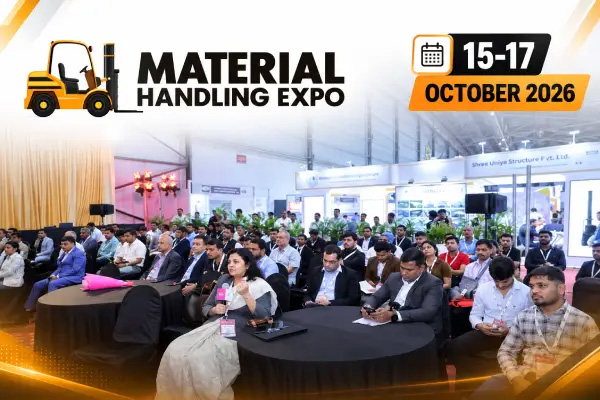 Material Handling Expo 2026 to Be Held in Chennai from October 15 to 1714/Oct/2026 3:45:34 PM
 -
 Tamil Nadu 12th Public Exam Timetable 2027 Released: Check Subject-Wise Exam Dates14/Oct/2026 3:32:31 PM
 -
 A Journey Through Lucknow’s Culinary Heritage at Mynt, Vivanta Chennai, IT Expressway14/Oct/2026 3:13:29 PM
 -
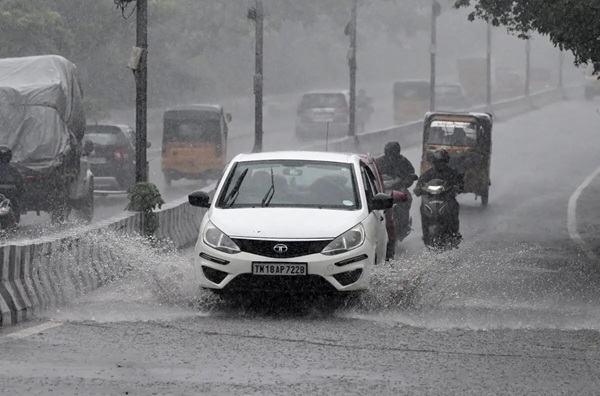 Tamil Nadu Weather Alert: Heavy Rain Forecast for 3 Districts Today14/Oct/2026 3:11:17 PM
 -
 Ayudha Pooja Special Trains 2026: Southern Railway Announces 10 Special Services14/Oct/2026 3:07:03 PM
 -
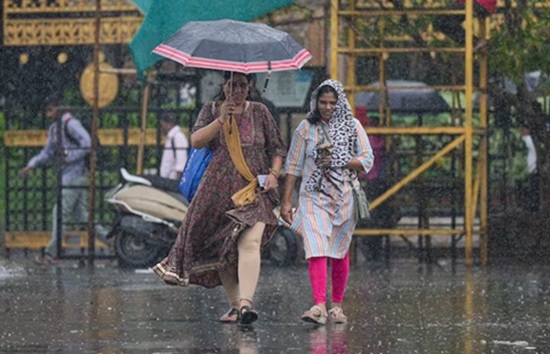 Chennai Rain Update: Sudden Heavy Rain Hits Tambaram and Surrounding Areas14/Oct/2026 2:57:39 PM

 JB Soft System