
How to Book MTC Bus Tickets Using the Chennai One App
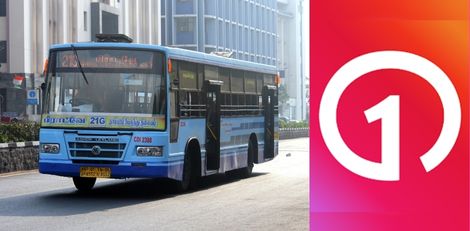
The Chennai One App now allows passengers to buy MTC bus tickets directly from their mobile phones using an on-board QR system. Follow the steps below to book your ticket during travel.
Step 1 – Download and Install the Chennai One App
Install the Chennai One App on your smartphone. It is available for both Android and iOS devices.
Step 2 – Board the Bus
Board the MTC bus you want to travel in. Open the Chennai One App and tap the BUS QR Scan option on the home screen.
Step 3 – Identify the Bus
After the scanner opens, you can identify the bus in two ways:
– Scan the QR code pasted inside the bus
– Enter the OTP shown on the bus sticker manually
Step 4 – Select Your Destination
Choose your destination stop from the list displayed in the app.
Step 5 – Choose the Number of Tickets
Select how many tickets you want to purchase.
Step 6 – Make the Payment
Complete the payment using the available online payment options in the app.
Step 7 – Your Ticket is Activated Instantly
Once the payment is successful, your digital ticket will be activated immediately. Show this active ticket to the conductor during verification.
Top Stories
-
 Tamil Nadu Weatherman Questions Sun News Headline on His Interview
15/Oct/2026 7:16:33 AM -
 Tomorrow Panchangam October 15, 2026 | Auspicious Timings, Rahu Kalam, Gulikai14/Oct/2026 5:47:40 PM
 -
 Sales Growth Starts with a Smarter Sales Strategy14/Oct/2026 5:17:58 PM
 -
-
 Bigg Boss Tamil 10: Jason and Shanthini’s Conversations Catch Viewers’ Attention14/Oct/2026 5:08:59 PM
 -
 Dormant Bank Account? How to Reactivate It Without Paying Any Penalty14/Oct/2026 4:56:14 PM

 JB Soft System