
Procedure to link the mobile number with Electricity Connection Number to send SMS!
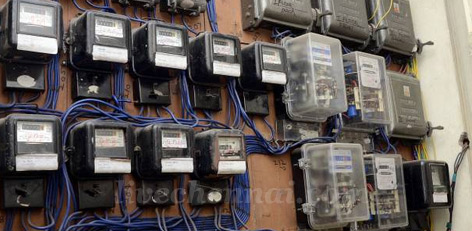
Here is the procedure to link your mobile phone number with your TANGEDCO Electricity Connection Number to facilitate sending SMS:
- Visit the official website of TANGEDCO: https://www.tnebnet.org/awp/login.
- On the Login column, click the option �Register Here�.
- On the column Service Number�, pick the option: Existing Service Connection Number.
- Subsequently, select the option �Region� and select your Zone number out of the 9 Zone numbers displayed.
- Now, enter the details of your mobile phone number, etc. Now, the message that your mobile is linked to the Electricity connection number will be displayed.
- Henceforth, you will start receiving the SMS messages.
- Apart from this, you can also download the TANGEDCO App on your mobile and use this as well!
Top Stories
-
 Sabarimala Ayyappa Temple Opens for Purattasi Month Pujas17/Sep/2026 2:01:39 PM
 -
 Can You Take a Bath During Fever? Know the Safe Way17/Sep/2026 12:04:11 PM
 -

-
 ITI Admissions 2026-27: Direct Admission Deadline Extended to September 22 in Tamil Nadu17/Sep/2026 11:05:49 AM
 -
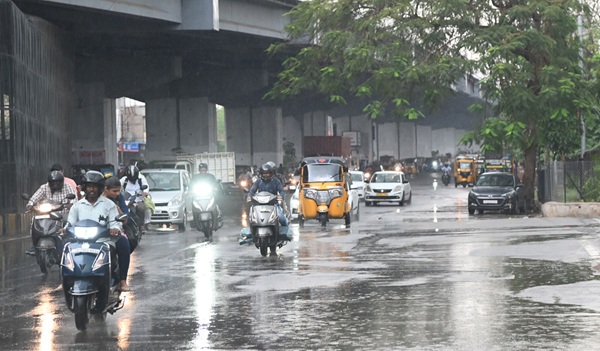 Tamil Nadu Weather Today: Rain Likely in 23 Districts, Chennai May Get Rain Tonight17/Sep/2026 10:59:49 AM
 -
 Chennai Suburban and Express Trains Delayed, Passengers Affected17/Sep/2026 10:57:19 AM