
Mail magic by Gmail - unsend your email with ease

That�s not new from Google. The giant earlier notified its users about the new feature to �unsend� the emails already sent. The announcement was made during the closure month of 2014 and now it has come true.
According to the new feature, the user can have a buffer time of about five to thirty seconds to retrieve the email you send. This is dependent on the setting you have fixed for your gmail. There�s no wonder if your inbox doesn�t keep you posted about this new feature. It needs some effort from your end, as the world has not moved so automatic as you may dream it to be! Make a move by changing your Gmail setting and there you�ll find the new feature in front of your screen.
- Sign in to your Gmail account
- Take a look at the �gear� icon you find at the right top corner, and the Settings menu you find there
- You can then find an option as �Undo send�
- Enable it and click on �Send cancellation period�
- Remember to save all the changes you make by making a single click on �Save Changes� which is perhaps at the bottom of the page
From this moment of setting up these new tricks in your Gmail, you will find a new pal popping out every time you send an email. This pop up will be a notification to �unsend� the mail you have just sent. The validity of this pop-up depends on the time duration you�ve fixed. And there ends the magic!
Top Stories
-
 Ayudha Pooja 2026: Chennai Markets Witness Heavy Crowds as Flower and Fruit Prices Rise17/Oct/2026 12:05:50 PM
 -
 Tamil Nadu TRUST Exam 2026: Application Deadline Extended to October 2117/Oct/2026 11:58:24 AM
 -
 Music Composer Deva Dies at 75: Tamil Cinema Loses 'Thenisai Thendral'17/Oct/2026 11:52:23 AM
 -
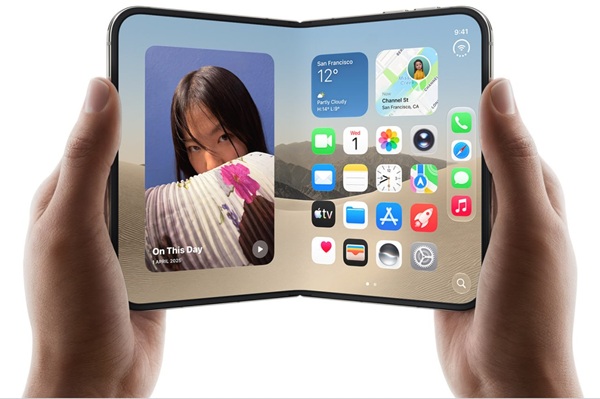 Apple iPhone Duo Price in India, Features, Specifications and Cameras17/Oct/2026 11:10:46 AM
 -
 Saraswati Puja, Ayudha Puja and Vijayadashami 2026: Dates, Auspicious Timings and Rituals17/Oct/2026 10:25:50 AM
 -
 Top 5 Electric Bikes for Middle-Class Families in India: Price, Range and Features17/Oct/2026 10:16:31 AM

 JB Soft System