
How to Reply to Messages on WhatsApp (Android, iPhone & Web)

WhatsApp allows users to reply directly to a specific message in both individual and group chats, making conversations easier to follow.
Android
- Swipe right on the message you want to reply to
- Type your response and tap Send
- To view all replies in a thread, tap “Replies”
Reply Privately in a Group
- Tap and hold the message
- Tap the three-dot menu > “Reply privately”
- Type your message and send
iPhone (iOS)
- Swipe right on the message
- Enter your reply and tap Send
- Tap “Replies” to view the full conversation thread
Reply Privately in a Group
- Tap and hold the message
- Select “More” > “Reply Privately”
- Type and send your response
WhatsApp Web/Desktop
- Hover over the message
- Click the down arrow menu > “Reply”
- Type your message and click Send
Reply Privately in a Group
- Hover over the message
- Click the menu icon > “Reply privately”
- Enter your response and send it
Users can also cancel a reply before sending by tapping or clicking the “X” next to the quoted message.
Top Stories
-
 The Businesses That Grow Consistently Have One Habit in Common31/Jul/2026 4:00:10 PM
 -
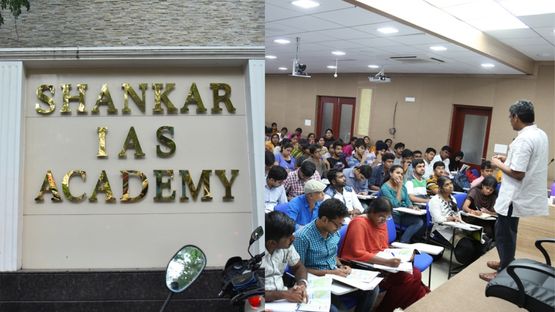 Shankar IAS Academy Chennai: Courses, Fees, Facilities & Contact Details31/Jul/2026 3:58:41 PM
 -

-
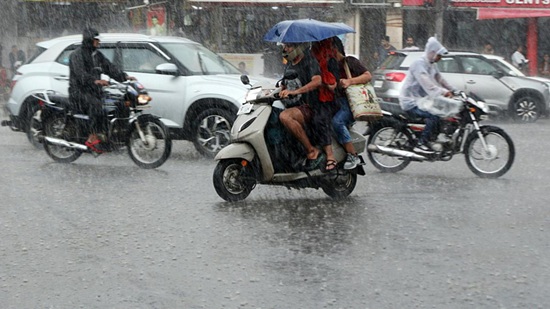 Tamil Nadu Heavy Rain Alert: 5 Districts Likely to Receive Heavy Rain Today and Tomorrow31/Jul/2026 3:22:02 PM
 -
 Samsung Galaxy Z Fold 8 Series Receives Record Pre Bookings in India31/Jul/2026 3:05:34 PM
 -
 Tiruchendur Murugan Temple Introduces Darshan Time Restrictions, Devotees Express Concern31/Jul/2026 2:38:44 PM